How to Add a TikTok Ad Account to Business Center
Centralize your advertising by adding ad accounts to Business Center. This guide walks through ownership transfer, partner requests, and common hurdles.

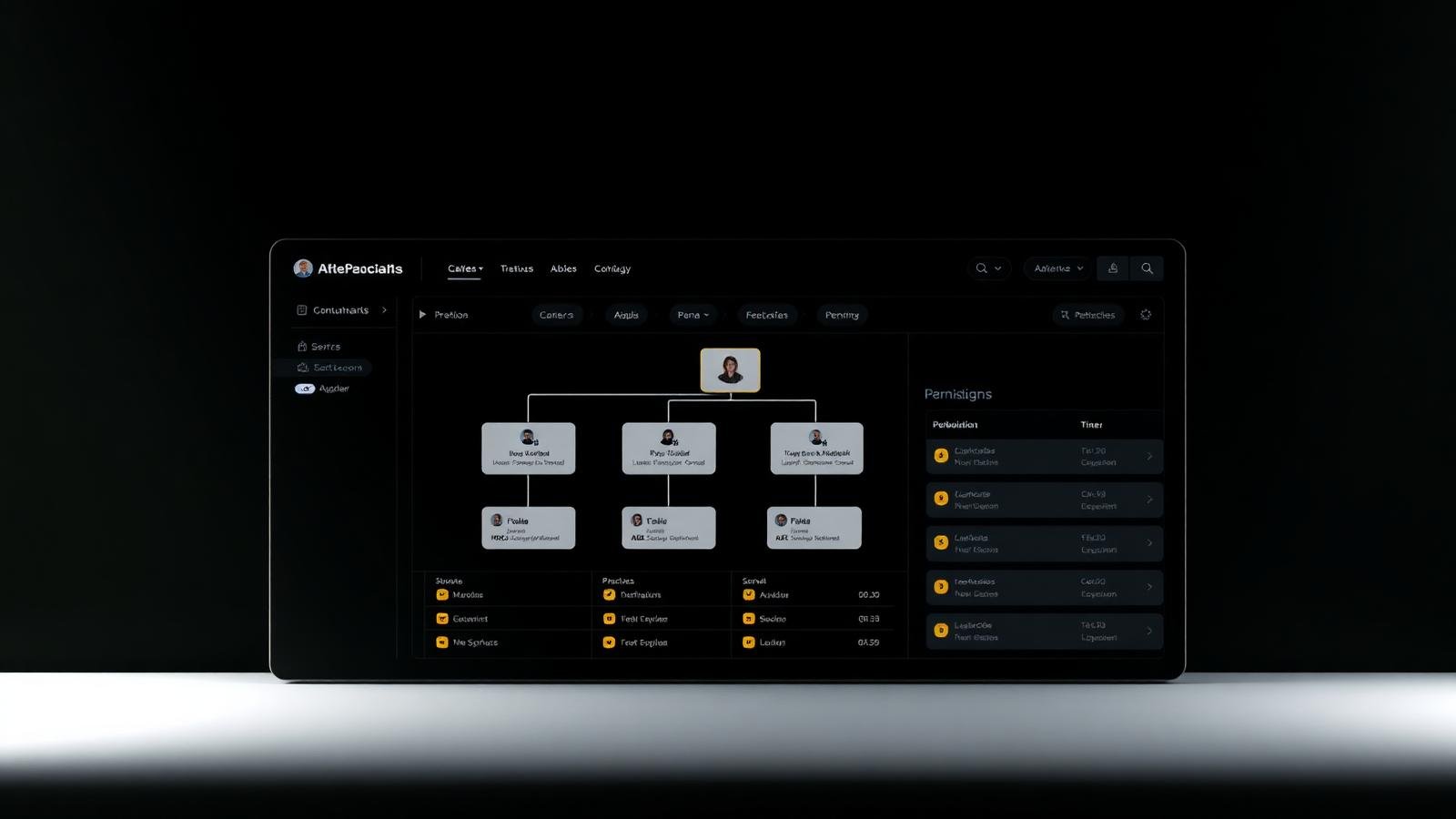
As your TikTok advertising operations mature, managing disparate ad accounts through separate logins becomes an operational bottleneck and a security risk. The TikTok Business Center allows you to centralize these assets, providing a single point of control for your team to manage campaigns, monitor budgets, and oversee pixels and catalogues across all your accounts. For agencies and large brands, this isn't just a matter of convenience; it's a prerequisite for professional-grade media buying. By centralizing these assets, you create a unified data environment that allows for better cross-account analysis and more efficient resource allocation.
Whether you are an agency taking on new client accounts, an e-commerce brand consolidating multiple regional storefronts, or a performance team scaling up your internal infrastructure, knowing how to correctly link ad accounts to your Business Center — first created following these steps — is critical. A wrong move here can result in ownership disputes, locked assets, or delayed campaign launches. Furthermore, understanding the technical requirements and the 'handshake' process between different Business Centers is essential to maintaining high account health scores and avoiding automated red flags during the onboarding phase.
This article provides a detailed walkthrough of the three primary ways to bring an ad account into your Business Center environment: creating a new account, requesting access to an existing one, and transferring ownership. We also include a deep-dive troubleshooting section to help you navigate the most common error messages you are likely to encounter. We will explore the long-term implications of these choices—such as billing ownership and data portability—so you can build a structure that serves your business both today and three years from now.
As with all platform-specific processes, keep in mind that TikTok's UI and policy requirements are subject to regional variation and frequent updates. The terminology used in this guide (e.g., 'Operator', 'Admin', 'Analyst') is based on current platform standards, but you should always verify the specific labels in your own dashboard. Our goal is to provide you with the foundational knowledge to navigate these changes with confidence and maintain a secure, scalable advertising infrastructure.
Prerequisites for Adding Ad Accounts
Before you click 'Add', there are several technical and administrative prerequisites you must meet to ensure a smooth connection. Failure to check these can lead to 'permission denied' errors or, worse, accounts being flagged for suspicious activity during the connection process.
- Business Center Admin Status: You must be an Admin of the Business Center initiating the request. Members or Operators cannot add new assets or request access to external ones.
- Verified Business Center: While not always strictly required for the first few accounts, having a verified Business Center (via the 'Business Info' section) significantly reduces the likelihood of connection delays or spending restrictions.
- The Ad Account ID: You will need the 10-15 digit numeric ID of the target account. This is found in the top-right corner of the target account's Ads Manager dashboard.
- Approval Access: If requesting access, the current owner of the account must have access to their Ads Manager to approve the notification. If they've lost access, you won't be able to link the account.
- Consistent Regional Settings: In many cases, the Business Center and the Ad Account should be in compatible regions. Attempting to link a US-based Business Center to a Mainland China-based account, for example, often requires special permissions or specific account types.
Understanding Asset Ownership vs. Access
This is the most important strategic decision you will make when adding an account. Mistaking access for ownership is the number one cause of disputes during agency offboarding or brand acquisitions.
| Action | Ownership Status | Billing Responsibility | Best For... |
|---|---|---|---|
| Create New Account | Your BC is the sole owner | Your BC (or linked payment method) | Internal brands or white-labeled agency services. |
| Transfer Ownership | Your BC becomes the new owner | Moves to your BC's billing structure | Consolidating personal accounts into a corporate BC. |
| Request Access (Partner) | Original BC/User keeps ownership | Original owner remains responsible | Agencies managing client-owned accounts. |
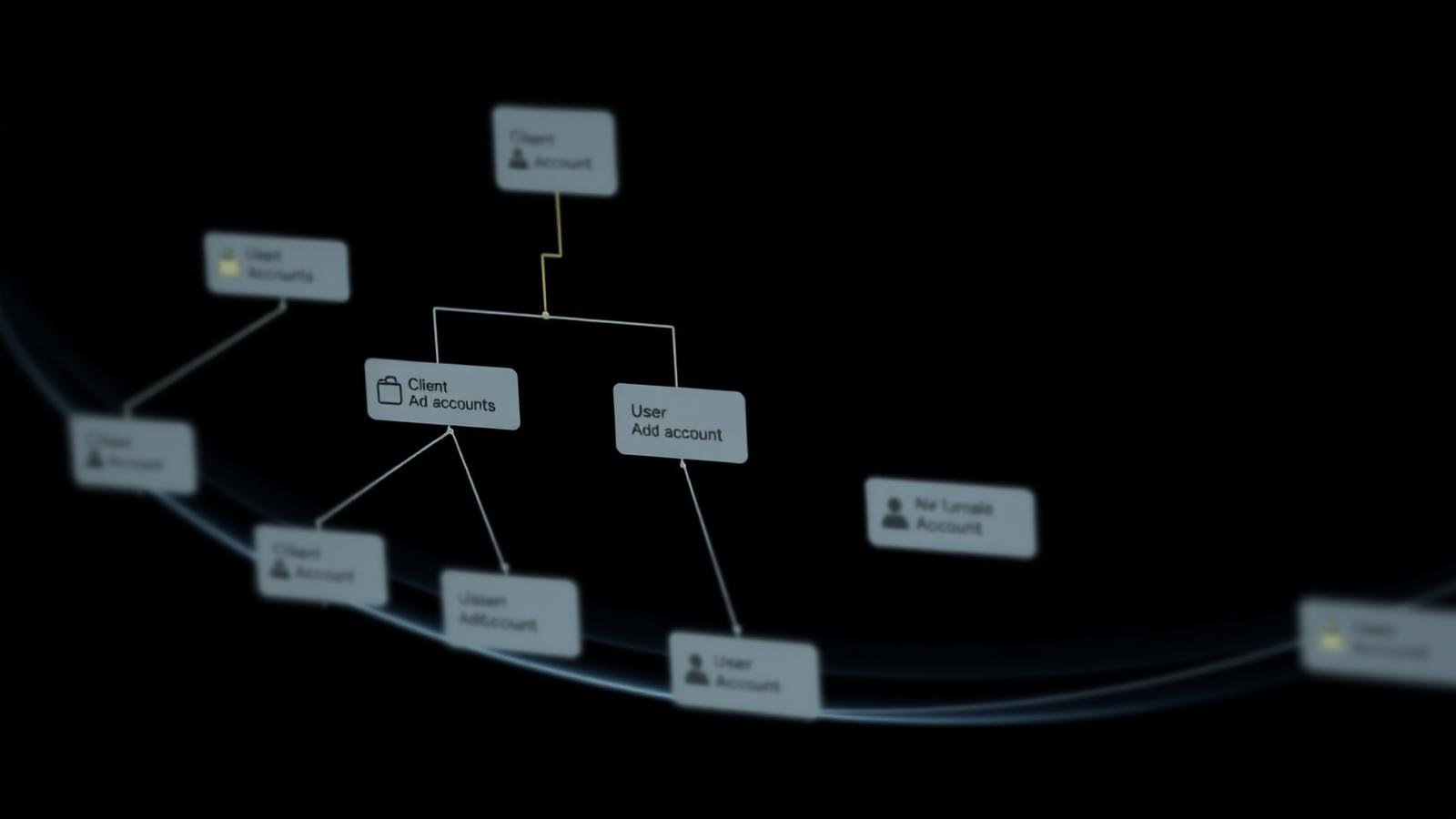
Ownership is permanent (unless transferred again), a distinction also discussed in what is a TikTok agency ad account. It gives you the right to delete the account, manage its global settings, and control which other partners can see it. Access (Partnering) is a revocable privilege. If you are an agency, you should almost always use 'Request Access', consistent with the partner-first approach recommended in TikTok Business Center for agencies. This protects you from billing liability and ensures the client feels secure knowing they can revoke your access if the partnership ends.
How to Request Access to a Client's Ad Account
This is the 'Standard' agency workflow. It allows you to manage the client's creative, targeting, and optimization without taking on their financial liability or legal ownership of the account.
- 1In your Business Center, navigate to the 'Assets' tab on the left sidebar and select 'Ad Accounts'.
- 2Click the 'Add Ad Account' button and select 'Request Access' from the dropdown menu.
- 3Enter the Ad Account ID provided by your client.
- 4Select the Permission Level. For full management, select 'Admin' (at the account level) or 'Operator'. We recommend 'Operator' for media buyers and 'Admin' for the account lead.
- 5Include a brief message if prompted, so the client knows who the request is coming from.
- 6Click 'Submit'. The request is now pending.
The Client-Side Approval Flow
Your work isn't done yet. The client must now approve the request. They will receive a notification within their TikTok Ads Manager (the bell icon) and often an email. They need to navigate to 'Settings' > 'Account Settings' > 'Account Info' and look for the 'Partner Management' or 'Permissions' section to approve the pending request from your Business Center. If they don't see it, ask them to check their notifications directly in the Business Center if they have one.
How to Transfer Ownership of an Ad Account
Transferring ownership is a more significant action and should be handled with care. It is typically used when a brand has been running ads through an employee's personal account and wants to 'professionalize' the setup by moving it to the company's Business Center.
- 1In your Business Center, click 'Add Ad Account' and select 'Transfer Ownership'.
- 2Enter the Ad Account ID and click 'Next'.
- 3The system will check if the account is eligible for transfer. If it's already owned by another Business Center, the transfer will be blocked until the other BC 'releases' it.
- 4Once initiated, the current owner (the individual or the other BC) will receive a request. They must approve this within 24 hours.
- 5Upon approval, the account will move into your 'Owned' list. You are now responsible for its billing and all administrative functions.
Permission Levels and Least-Privilege Reasoning
Once the account is added to your Business Center, you must assign people to it. Do not simply give everyone 'Admin' access. Use the principle of least privilege to minimize the risk of accidental overspending or security breaches.
- Admin (Account Level): Can manage everything, including deleting the account or adding other partners, per TikTok's permission guidance. Best for: Agency Owners, Media Buying Directors.
- Operator: Can create, edit, and delete campaigns, but cannot change account-level settings like billing or partner access. Best for: Media Buyers, Performance Marketers.
- Analyst: Can view all data and download reports but cannot change anything. Best for: Clients who want to see performance, external auditors, or strategy consultants.
- Creative Hub Roles: In some regions, you can grant specific access just to manage the 'Creative Center' or 'Comment Management' without giving access to the actual bidding and budget controls.
By restricting access, you also make the interface cleaner for your team. An analyst doesn't need to see the 'Create Campaign' buttons, which reduces the chance of UI confusion and mistakes.
Billing and Payment Ownership Implications
One of the most complex aspects of adding accounts is billing. When you 'Request Access', the billing remains with the original owner. If their credit card fails, your ads stop, and there is nothing you can do from your Business Center to fix it. However, if you 'Transfer Ownership', you may be required to set up new payment methods. For agencies using high-limit agency accounts, the Business Center acts as the central clearinghouse for top-ups and credit allocations. Ensuring that the billing owner is correctly identified is vital for maintaining cash flow and preventing sudden account pauses due to 'insufficient funds'.
Why Can't I Add My TikTok Ad Account to Business Center?
Linking failures are common and usually stem from a handful of policy or technical blocks. Use this table to diagnose your issue.
| Symptom / Error | Likely Cause | What to Check / Solution |
|---|---|---|
| 'Account not found' | Typo in ID or incorrect region. | Verify the 10-15 digit ID in the target Ads Manager. |
| 'Already owned by another BC' | Asset is currently locked to a different hub. | Original owner must 'Release' the account first. |
| 'Insufficient Permissions' | You aren't a BC Admin. | Ask your BC owner to upgrade your role to Admin. |
| 'Account Suspended' | Target account has policy violations. | Resolve the suspension with TikTok support before linking. |
| 'Verification Required' | Your BC or the target account needs KYC. | Complete 'Business Info' verification in both Business Centers. |
| 'Billing in Arrears' | Target account has unpaid invoices. | Pay the outstanding balance in the target account first. |
| 'Limit Reached' | Your BC has too many accounts. | Contact TikTok support to increase your asset limit. |
| 'Currency Incompatibility' | BC and Account use unsupported currency pairs. | Check TikTok's latest multi-currency pairing rules. |
What Happens to Assets when Access is Revoked?
It is important to know what happens when a partnership ends, a scenario also covered in our guide on managing multiple TikTok ad accounts. If a client revokes your access, you immediately lose the ability to see the dashboard or manage campaigns. However, the campaigns themselves do not stop (unless the client pauses them). More importantly, pixel data and historical reporting stay with the 'Owner' of the account. If you created a pixel *inside your agency Business Center* and shared it with the client, you retain the pixel, but the client loses the ability to use it for their ads once the link is broken. This is why we recommend that clients always own their own pixels for long-term data portability.
Agency Onboarding Workflow: A Professional Standard
To avoid the back-and-forth and technical hurdles, we recommend this standardized onboarding workflow for agencies.
- 1Send the client a 'Welcome PDF' that includes your Business Center ID and a screenshot of where they can find their Ad Account ID.
- 2Ask the client to provide their Ad Account ID and the email address of their primary admin.
- 3Initiate the 'Request Access' from your Business Center using the provided ID.
- 4Simultaneously, invite the client's admin email to your Business Center as a 'Partner' if you need to share pixels or catalogues *back* to them.
- 5Once the 'handshake' is complete, verify the connection by assigning a junior buyer to the account and having them confirm they can see the 'Create Campaign' screen.
- 6Document the link in your internal CRM with the date and the specific permission levels granted.
Common Mistakes When Linking Accounts
- Transferring Ownership by Accident: Agencies often accidentally take ownership of a client's account, which makes the agency legally and financially responsible for the spend. Always triple-check that you are 'Requesting Access' instead.
- Ignoring the 'Assigned People' Step: Many admins add the account to the BC but forget to assign actual team members to it. The team then thinks the link failed because they can't see the account in their dashboard.
- Not Verifying the Pixel: Linking the account is only half the battle. You must also ensure the Pixel is shared with the new Business Center if you plan to use it for conversion optimization.
- Using Personal Emails for Business Links: This leads to account lockout if an employee leaves the company. Always use official business domains for all links and requests.
- Forgetting to Release Old Accounts: If you are an advertiser moving to a new agency, you must ensure your previous agency has released their 'Partner' link, otherwise, the new agency might face errors when trying to connect.
TikTok Ad Account Linking Checklist
- Is the target Ad Account ID verified and correct?
- Do you have Admin rights in the initiating Business Center?
- Have you decided on the correct model (Ownership vs. Access)?
- Is the target account in good standing (no suspensions or debt)?
- Has the client been briefed on where to find the approval notification?
- Have you prepared the team members who need to be assigned to the asset?
- Have you checked for regional or currency conflicts?
- Once linked, have you also shared the necessary Pixels and Catalogues, consistent with the structure in what is TikTok Business Center?
- Is there a backup Admin in place to handle the request if the primary is unavailable?
- Has the successful link been logged in your agency's asset registry?
Expert Tips for Agencies
For high-volume agencies, time is the most valuable resource. First, use 'Asset Groups' to batch-assign permissions. If you have 5 accounts for one client, group them and assign your buyers to the group once. Second, leverage the 'TikTok Business Center API' if you are managing hundreds of accounts; this allows you to automate the requesting and assignment process. Finally, always maintain a clean 'Client Naming Convention' from day one. An account list that says 'Client A - US - Sales' and 'Client A - UK - Sales' is infinitely more manageable than a list of random brand names. This clarity is particularly vital when you are utilizing high-performance agency ad accounts, as it helps you monitor allocation and spend across your entire portfolio with precision.
Conclusion
Adding an ad account to your Business Center is more than a technical step—it is a cornerstone of professional media buying operations. By centralizing your assets, you reduce the risk of lost access and ensure that your team can work efficiently and securely. Whether you are requesting access as a partner or consolidating ownership for internal use, the key is to follow a standardized process that respects data integrity and billing security. Always remember to clarify ownership expectations with your clients before initiating a transfer, and use the 'Partner' request model whenever possible to maintain a clean, professional relationship. With a well-organized Business Center, you are positioned to scale your TikTok advertising to new heights of performance and efficiency.
For further reading, explore the official documentation: TikTok Ads Help Center, Troubleshoot Ad Delivery, TikTok Business Support.
Frequently asked questions
Will linking an ad account affect its current campaigns?
No, linking an ad account to a Business Center does not pause or change your active campaigns. It only changes how you and your team access the management dashboard for those campaigns. The transition is seamless for the delivery algorithm.
How do I remove an ad account from my Business Center?
If you own the account, you can typically delete or transfer it. If you are a partner with access, you can remove yourself from the account under the 'Assets' menu. Note that removing a link does not delete the actual campaigns or data within the account.
Can one ad account be in multiple Business Centers?
An ad account can be 'owned' by only one Business Center, but it can be shared with multiple other Business Centers as a 'Partner'. This is common when a brand works with multiple agencies for different functions (e.g., one for creative, one for media buying).
How long does it take for a request to be approved?
The request itself is instant. The delay depends entirely on how quickly the owner of the target ad account approves the notification in their dashboard. Once they click 'Approve', the account appears in your Business Center immediately.
What happens if the original owner of an account disappears?
This is extremely difficult to resolve. If you do not have admin access and the original owner is unreachable, you may need to contact TikTok support with legal proof of business ownership (e.g., incorporation docs, tax records) to regain control. This is why we always recommend having at least two admins.
Keywords covered in this article
The topics and search terms this guide addresses.
Primary keyword
how to add tiktok ad account to business center
Related keywords
- tiktok ad account business center connection
- request access to tiktok ad account
- transfer tiktok ad account ownership
- link tiktok ad account to business center
- tiktok business center partner setup
- managing tiktok ad accounts in business center
- tiktok ad account permission levels
- tiktok business center asset management
- tiktok agency account management
- tiktok ads manager business center link
Topics
- tutorial
- business-center
- agency-operations